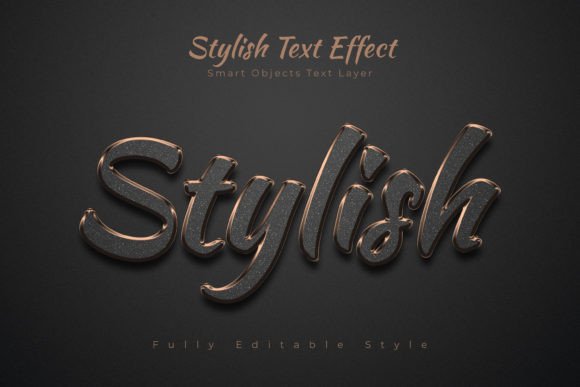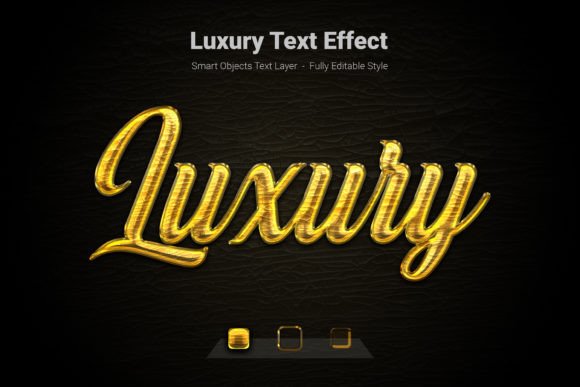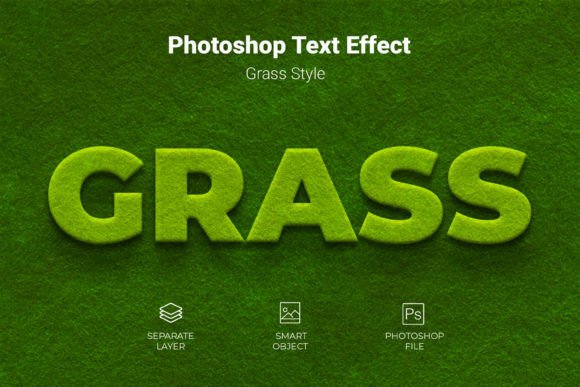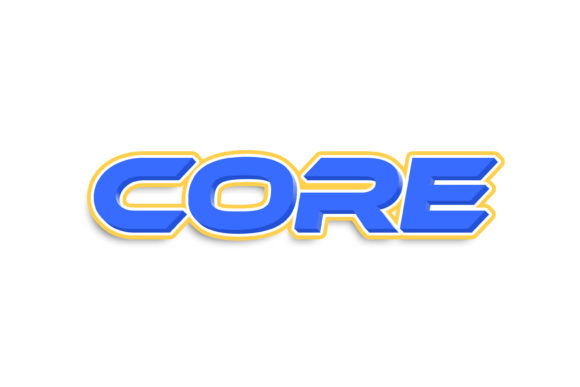
Sweet Text Effect: Instant Stylish Designs
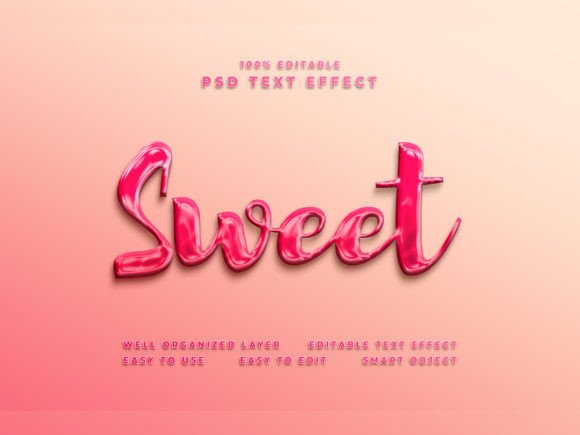
Finding the perfect way to make your typography pop can be a challenge, but the Sweet Text Effect offers a surprisingly simple solution. This premium font resource is designed to instantly elevate your text, shapes, or logos into a cool, polished style. It's an accessible design asset that works through Photoshop's smart object feature, making professional-looking results achievable with minimal effort.
What Exactly Is This Design Asset?
At its core, the Sweet Text Effect is a Photoshop file (.psd) that utilizes smart object layers. This means you don't need to manually apply complex layer styles or filters. You simply open the smart object, place your own text or logo, save, and the effect is automatically applied to your design. It's a fast, intuitive editing process that saves valuable time.
The package is built for high-quality output, featuring a substantial 4000 by 6000 pixel resolution at 300 dpi, suitable for both digital and print projects. The layers and folders are well-organized, which helps maintain a clean workflow, especially if you want to tweak the effect further. Included are preview files, a helpful PDF guide, and a font recommendation text file, giving you everything needed to get started.
Creative Applications and Project Ideas
The versatility of a well-crafted text effect like this one opens up numerous possibilities. Its clean, modern typography feel can adapt to various creative needs. Consider using it for:
- Brand Identity: Create distinctive logos, business cards, or letterheads that stand out.
- Social Media Graphics: Design eye-catching Facebook covers, YouTube thumbnails, or Instagram posts that grab attention in a crowded feed.
- Poster and Flyer Design: Add a cinematic or stylish title to event posters, promotional flyers, or sale announcements.
- Web Design Elements: Craft unique website banners, hero section text, or call-to-action buttons.
- Digital Products and Merchandise: Enhance the look of e-book covers, course materials, or print-on-demand designs.
Think of it as a tool for adding a layer of visual polish. Whether you're working on editorial layouts, packaging mockups, or cinematic title sequences, the effect helps bridge the gap between a basic idea and a professional presentation.
Tips for Choosing and Using Text Effects Wisely
While a tool like the Sweet Text Effect is powerful, a thoughtful approach ensures the best results. Always start by considering the mood of your project. Does the effect's style—be it glossy, metallic, or textured—complement your overall design aesthetic? Next, check for readability. A beautiful effect loses its impact if the text is difficult to read, especially at smaller sizes.
Font pairing is another crucial step. The effect works with various typefaces, so experiment with combinations. Try pairing it with a simple sans serif font for body text to create a balanced hierarchy. Before finalizing, test your design in context. Place your poster mockup on a wall or your social media graphic in a feed preview to see how it truly performs.
Finally, always ensure the license of any design asset, including this one, matches your intended use, whether for personal projects or commercial client work. The right creative font or effect should feel like a natural extension of your vision, not a constraint. By focusing on coherence, clarity, and context, you can leverage resources like this to build stronger visual consistency and make your designs look more refined and intentional.
Choosing tools that streamline your process without sacrificing quality is key to efficient, effective design. A resource that helps you achieve a polished look quickly allows you to focus more on the creative concept itself. For projects that call for a touch of stylish flair, exploring versatile text effects can be a worthwhile step in your design toolkit.